91- 6303239042


 Group
Group


 Preferred Source

 Google Discover
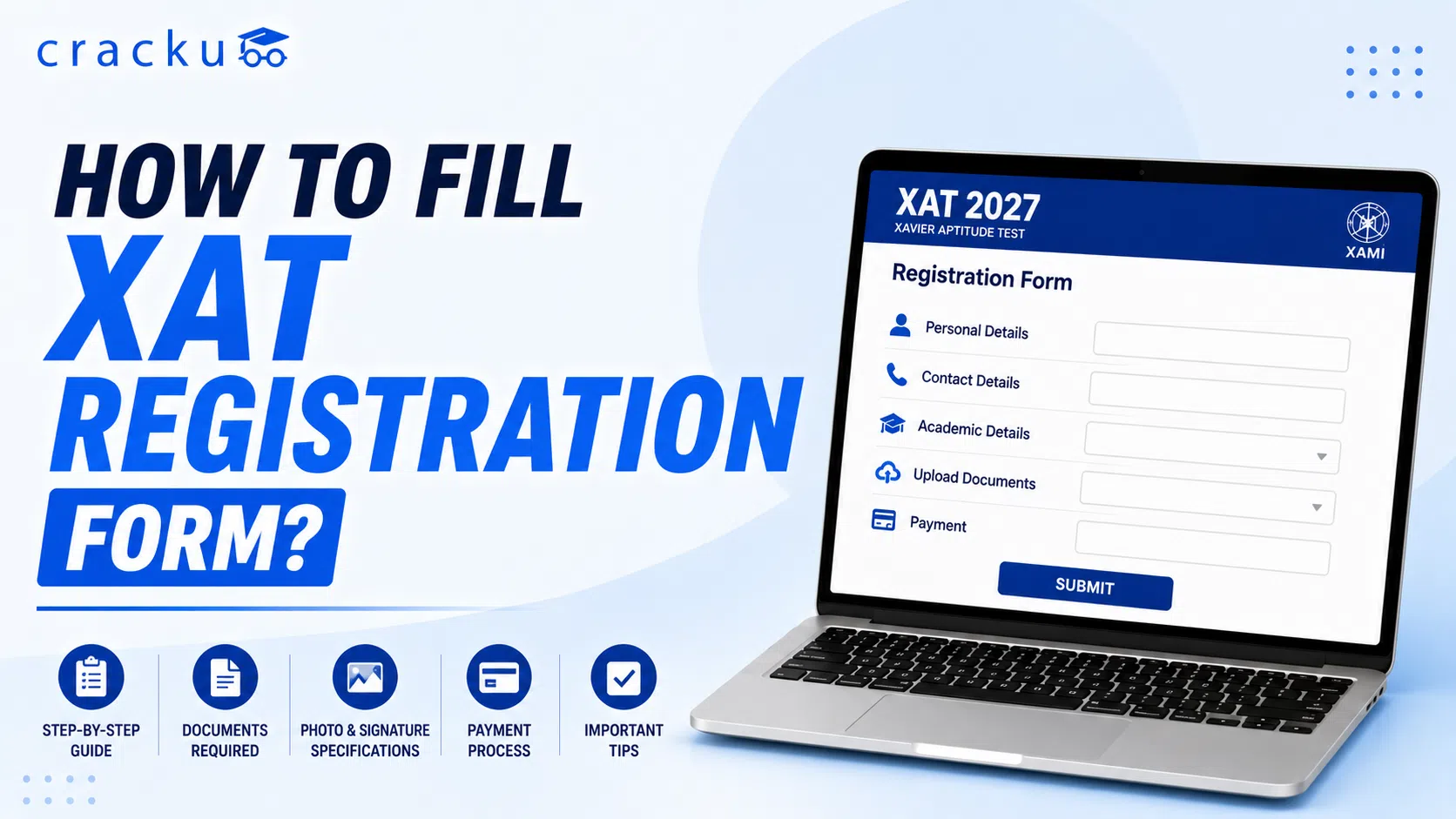
XAT 2027 Form Filling Guide is one of the most frequently asked questions among MBA aspirants after the start of the XAT application process. The XAT 2027 registration process started from July 15, 2026, to December 6, 2026, and applicants must follow all steps properly to avoid any issues in the XAT application. This article covers the complete XAT registration process, including account creation, email verification, document upload, test city selection, and fee payment. It also includes the most recent photo and signature upload specifications and covers the frequent problems such as OTP not received, email verification failure, and payment errors, as well as information regarding the XAT 2027 application correction window.
How to fill XAT registration form?
XAT is a computer-based online MBA entrance exam. XAT online registration started on 15 July 2026 on the official XAT website, xatonline. in; this registration process will continue till 6 December 2026. The XAT registration form stays simple when followed step by step. Students can follow these XAT registration instructions and complete the form smoothly.
How to fill XAT registration form? | |
Action | Details |
Registration | Visit xatonline.in and create a new account |
Email Verification | Verify your email through the link sent to your inbox and generate login credentials |
Login | Enter your email and password to access the form |
Fill Details | Add personal, academic, and contact information |
Work Experience | Add work experience (not compulsory) |
Upload documents | Upload your passport-size photo and a signature in the correct size, category certificate, PwD certificate, and other required documents (ensure that your scanned photograph and signature are as per the specified dimensions). Click on the “Preview Tab” to check the entire application form before “Final Submit". |
Select Programs | Choose XLRI programs if required |
Choose Test City | Select up to six exam cities |
Payment | Pay fees using different online modes like UPI, net banking, credit and debit cards, etc. |
Final Review | Check details in the preview section; double-check before submission |
Submit Form | Submit the form and download the e-receipt |
Read Also, Top MBA Colleges Accepting XAT Score, Cutoffs, Placements
XAT 2027 OTP not received
The One‑Time Password (OTP) is an important security step in the XAT 2027 registration and login process. It ensures that only the registered applicants have access to the application form and related exam services. Without OTP verification, you will be unable to complete your registration, make payments, or download the XAT admit card. In case you don't receive the OTP in your email or on your mobile number, recheck the mobile number and also recheck the complete email ID you have provided. Below are some of the common reasons for the occurrence of an OTP issue:
XAT 2027 OTP not received | |
Reason | Explanation |
Network Issues | Poor mobile connection or unstable internet can delay OTP delivery. |
DND Settings | “Do Not Disturb” mode may block SMS from short codes. |
Incorrect Mobile No. | Entering a wrong or inactive number stops OTP from reaching you. |
Incorrect Email ID | A wrong email address stops the OTP from arriving in your inbox. |
Server Congestion | Heavy traffic on XAT servers may cause temporary delays. |
Browser Issues | Outdated or incompatible browsers can block OTP request submission. |
Retry After Few Mins | Sometimes OTPs are delayed; waiting a few minutes can help. |
Clear Browser Cache | Cached data may interfere with OTP requests; clearing the cache can fix it. |
Use Another Browser | Switching to Chrome/Edge/Firefox may resolve browser‑related problems. |
Try Another Device | Using a different phone or computer can improve device‑specific issues. |
Resend OTP Option | Always use the “Resend OTP” button if the first attempt fails. |
Read Also, XAT Score vs Percentile 2027, Expected, Previous Year Analysis
XAT 2027 Photo Upload Size Specifications
The photograph must be uploaded in the field specified in the XAT application form. It is compulsory to check the photo size and the format in which it is asked to upload. The photograph uploaded must be a recent one so that exam authorities can match your face with the photograph you uploaded on the exam day.
XAT 2027 Photo Upload Size Specifications | |
Specification | Details |
Latest Image Size | Must be a recent passport‑size photograph. |
Accepted Formats | JPG/JPEG only. |
File Size Limit | File Size Limit: Between 20 KB and 50 KB. |
Pixel Dimensions | The standard requirement is 200 x 300 pixels (approx.). |
Passport‑Size Photo | Front‑facing, clear, and formal passport‑style image. |
Background Colour | Plain, preferably white or light‑coloured background. |
Face Visibility Guidelines | Full face visible, eyes open, no shadows or obstructions. No sunglasses, no caps; spectacles allowed if worn regularly |
Recent Photograph Requirement | Taken within the last 6 months to reflect current appearance. |
Color vs Black & White Photo | Only colour photographs are accepted; black & white are not allowed. |
Read Also, XAT Exam Pattern 2027, Negative Marking, Structure, Duration
XAT 2027 Signature Upload Format
Below in the table, the XAT signature upload format is provided for candidates' convenience:
XAT 2027 Signature Upload Format | |
Specification | Details |
Accepted Format | JPG/JPEG only. |
File Size | Between 10 KB and 20 KB. |
Signature Dimensions | The standard requirement is 140 x 60 pixels (approx.). |
Black Ink or Blue Ink | The signature must be done in black ink only on plain white paper. |
White Paper Guidelines | Sign on plain white paper for clarity. No smudges, no pencil marks, no bordered box |
Cropping Instructions | Crop the image to include only the signature area, no extra margins. |
Mobile Scanned Signature | Allowed if clear and properly cropped; avoid shadows or blur. |
Digital Signature Accepted | Digital signatures are not accepted; only handwritten signatures. |
XAT 2027 Payment Failed What To Do?
The XAT application fees can be paid using multiple modes such as UPI (Google Pay, PhonePe, Paytm, and others), debit card (Visa, Mastercard, and RuPay), credit card, net banking, mobile wallets, and IMPS. The XAT fees are completely paid on the official XAT website. Payment failures in XAT 2027 can be caused by multiple issues, including bank server downtime, internet interruptions during the transaction, and portal session timeouts. There can be an issue of double payment attempts where the fee is deducted, but the application remains incomplete, which is frequently the result of delayed bank confirmation.
In any of the cases, the fees are non-refundable. In a few cases where a payment is completed twice due to a server issue, applicants can contact XAT support with bank transaction proof. A refund for these specific technical issues has previously been processed, but it is not guaranteed and requires manual verification. To avoid this completely, do not click back or refresh during the payment process. Wait for the e-receipt confirmation box to appear before closing your browser or exiting the page.
Read Also, India's #1 XAT Online Coaching 2027 By Sayali Mam(99.998%iler)
XAT 2027 Email Verification Not Working
Email verification is an important step in the XAT 2027 form-filling process, as it confirms a student's identity and ensures secure communication. Common causes of email verification failure include filling in the wrong email address, the verification email send in the trash or junk folder, or restrictions on spam email IDs block external messages. Students must check that these features are disabled on their phones before sending the email verification. Delays in server responses or browser-related problems may also stop the verification link from working properly.
Can I edit XAT 2027 Application Form After Submission?
The XAT correction opportunity is given to students to avoid any potential mistakes that can occur on the admit card. The correction window is an important feature for those who have made small errors while filling out their XAT form.
The correction window for XAT 2027 is expected to open in early December 2026 for approximately two days (December 7–8, 2026). Students should recheck every field of the application form.
Can I Edit XAT 2027 Application Form After Submission? | |
|---|---|
1. | Editable Details |
2. | Academic Qualifications: Marks (10, 11, 12, graduation, etc.) and documents |
3. | Work Experience |
4. | Preferred Test Cities |
5. | Signature, Photograph |
How to fill XAT registration form: Conclusion
The XAT 2027 Form Filling Guide helps candidates complete their application accurately by explaining every stage of the registration process, from account creation and document uploads to fee payment and final submission. Understanding the photo and signature specifications, OTP verification process, and payment guidelines can prevent unnecessary delays and application rejection.
Candidates should complete the XAT 2027 registration well before the deadline to avoid heavy server traffic and last-minute technical issues. Before clicking the final submit button, carefully review every detail, keep a copy of the confirmation page and payment receipt, and stay updated with official announcements regarding the correction window and other important notifications.
Final Takeaway: Filling the XAT 2027 application form carefully the first time is the best way to ensure a smooth registration process and avoid unnecessary corrections later.