91- 6303239042



 Group
Group
 Group
Group
How to Check JoSAA Seat Allotment Result Online
JoSAA seat allotment results are published on josaa.nic.in after each of the 5 allotment rounds. The result is not sent by email or SMS. Candidates must log in to the official portal using their JEE Main application number and password to view and download their allotment letter. Results for JoSAA 2026 are published from June 13 (Round 1) through July 16, 2026 (Round 5). The complete JoSAA counselling process requires candidates to check results after every round they receive an allotment and complete online reporting within the designated window. Missing even one reporting deadline permanently cancels the allotted seat and removes the candidate from all subsequent JoSAA rounds.
Step-by-Step Process to Download the JoSAA Allotment Letter
Follow these steps immediately after each round's result is published. The allotment letter is the official document you will need for online reporting, document verification, and eventually physical reporting at the allotted institute.
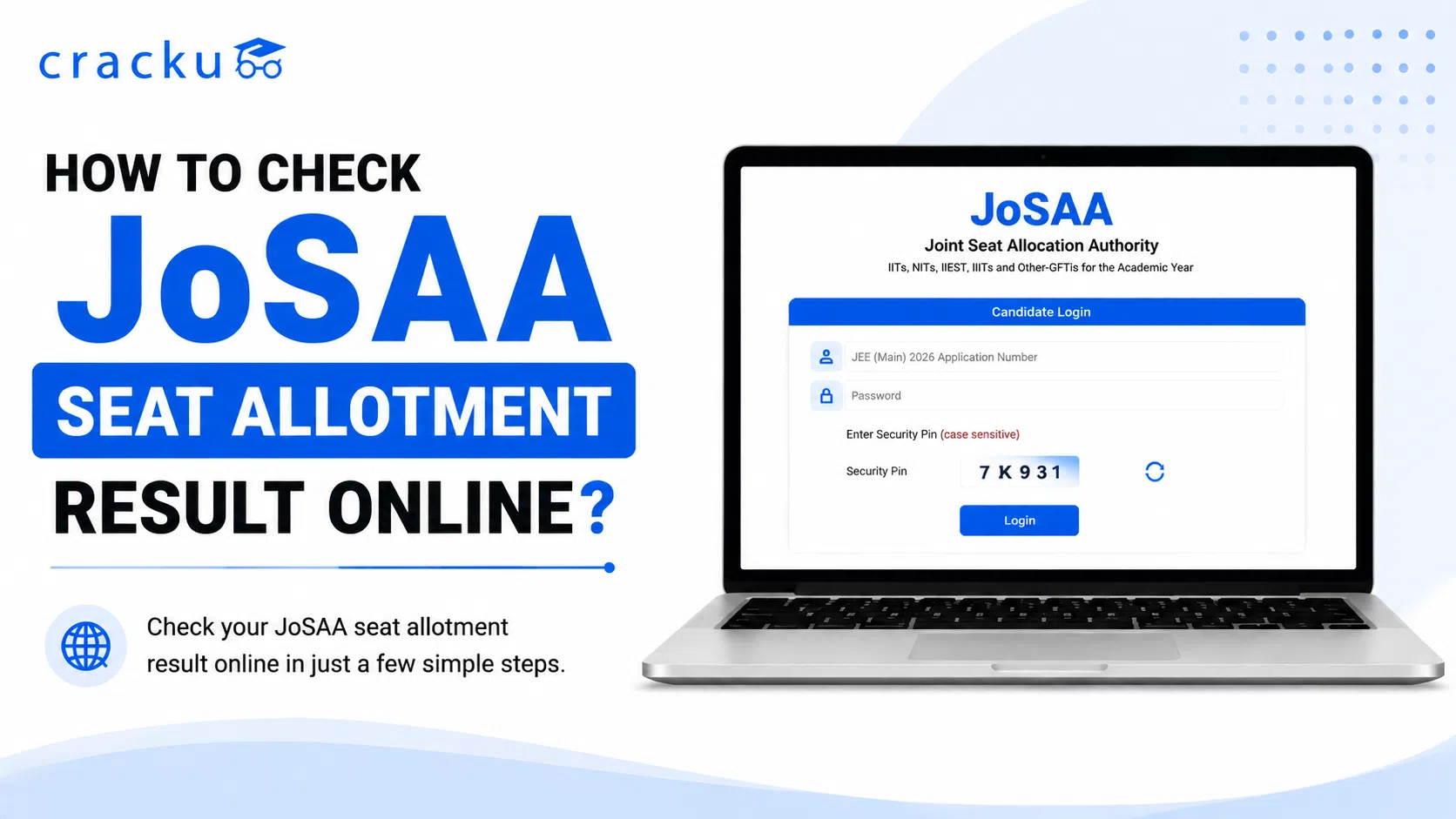
Open the official portal. Go to josaa.nic.in on a desktop or laptop browser. Google Chrome is recommended. Avoid mobile browsers as the portal may not render correctly on small screens.
Click on Candidate Login. The login link is on the homepage. Enter your JEE Main 2026 application number and the password you set during JoSAA registration.
Navigate to Seat Allotment Result. After logging in, go to the Seat Allotment tab and select the current round. Click View Allotment to see your result.
Check your allotment details. Verify the institute name, programme, category, and rank band shown on the allotment screen. Confirm these match your expectations before proceeding.
Download the allotment letter. Click Download Allotment Letter. Save the PDF to your device. Print at least two copies for document verification and physical reporting.
Proceed to online reporting. After downloading the letter, you must complete online reporting within the round's deadline. This includes paying the Seat Acceptance Fee (SAF), uploading documents, and selecting your willingness option (Freeze, Float, or Slide).
Important: Downloading the allotment letter is not enough. You must complete online reporting within the deadline to hold the seat. Simply viewing or downloading the result does not constitute acceptance.
Also Read: JoSAA 2026 Rounds, Dates, Process & Seat Allotment
What to Do After Getting a Seat in JoSAA Counselling
After checking your JoSAA allotment result, the next steps depend on whether you are satisfied with the allotted seat or want to try for a better option in subsequent rounds.
Pay the Seat Acceptance Fee (SAF): The SAF is Rs. 30,000 for General/OBC-NCL/EWS candidates and Rs. 15,000 for SC/ST/PwD candidates. This must be paid online within the reporting window for your round. The SAF is non-refundable if you voluntarily withdraw, except for a Rs. 5,000 processing deduction.
Upload documents online: Upload scanned copies of your JEE Main rank card, Class 10 and 12 mark sheets, category certificate (if applicable), and a passport-size photograph. OBC-NCL and EWS certificates must be dated on or after April 1, 2026.
Select your willingness option: This is the most consequential decision after each round.
Freeze: Accept the current seat and exit all further rounds. Choose this only if you are fully satisfied with the allotment.
Float: Accept the current seat as a fallback but remain eligible for a higher-preference choice in subsequent rounds. This is the recommended option in early rounds since it costs nothing extra and cannot result in a worse seat.
Slide: Accept the allotted institute but request a better branch within the same institute in subsequent rounds. The institute is locked; only the branch can change.
Withdraw: Exit JoSAA entirely. The seat is forfeited and the Rs. 5,000 processing charge is non-refundable. Only choose this if you have firmly decided against all JoSAA-listed institutes.
Note: If you are allotted a seat that is not your top preference, always select Float in early rounds. Float keeps your current seat guaranteed while the system automatically checks for upgrades in the next round. You never risk losing a confirmed seat by selecting Float.
Also Read: JOSAA 2026 Round 1 Result OUT, Link Active at @josaa.nic.in
JoSAA Seat Allotment Rounds and Result Schedule
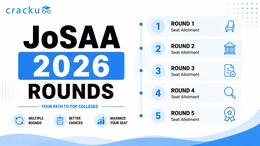
JoSAA 2026 runs exactly 5 rounds of seat allotment. Each round has a fixed allotment date and a reporting deadline typically 3 to 4 days after the result. Candidates should use Cracku's JEE questions bank to review past paper trends while waiting between rounds, as understanding subject-wise cutoffs helps in evaluating upgrade probabilities.
Round | Allotment Date | Reporting Deadline | What Happens |
|---|---|---|---|
Round 1 | June 13, 2026 | June 26, 2026 (5:00 PM) | First allotment; most competitive closing ranks. Pay SAF and choose Freeze, Float, or Slide. |
Round 2 | June 30, 2026 | July 3, 2026 (5:00 PM) | First significant NIT and IIIT rank relaxation as IIT-allotted candidates confirm seats. |
Round 3 | July 6, 2026 | July 8, 2026 (5:00 PM) | Mid-cycle upgrade round; most upgrade activity for NIT and IIIT candidates happens here. |
Round 4 | July 10, 2026 | July 13, 2026 (5:00 PM) | Final upgrade round before the IIT/IISc withdrawal window closes on July 14. |
Round 5 (Final) | July 16, 2026 | July 20, 2026 (5:00 PM) | Final round for all 138 institutes. IIT/IISc seats freeze; NIT+ candidates may still withdraw for CSAB. |
Note: Closing ranks relax from Round 1 to Round 5 as candidates with IIT preferences confirm those seats and vacate lower-preference NIT and IIIT choices. The most meaningful NIT rank relaxation happens between Rounds 2 and 4. IIT CSE closing ranks at top institutes (IIT Bombay, Delhi, Madras) show minimal movement across rounds.
Also Read: JoSAA Counselling 2026, Registrations, Eligibility & Cutoff
Common Problems While Checking JoSAA Results
Technical issues and result confusion are common immediately after each JoSAA round is published. The table below covers the most frequently reported problems and their solutions. Candidates who want to avoid these situations in future cycles can build a stronger rank through Cracku's JEE Mains online coaching and reduce dependence on later rounds entirely.
Problem | What to Do |
|---|---|
Allotment letter not downloading | Clear browser cache or switch to Google Chrome. Use a desktop browser rather than a mobile browser. Try again after 30 minutes if the portal is slow due to high traffic. |
Login credentials not working | Use the same application number and password used during JEE Main registration. If forgotten, use the Forget Password option on josaa.nic.in with your registered email. |
Allotment shows cancelled | This occurs when SAF was not paid or documents were not uploaded in the previous round. Cancellations under JoSAA are permanent; contact the JoSAA helpdesk immediately. |
Name or category mismatch in allotment letter | Do not panic. Proceed to online reporting and flag the discrepancy during document verification. The Document Verifying Officer resolves these during the DVO query window. |
Portal is down or showing maintenance | JoSAA portals experience high traffic immediately after each allotment. Wait 1 to 2 hours and try again. Results remain accessible for the full reporting window, not just the first few hours. |
Allotment in a lower-preference institute than expected | This is normal in Round 1. Select Float during online reporting to remain eligible for an upgrade in subsequent rounds without losing the current allotted seat. |
Important: If your seat is cancelled due to non-reporting, there is no appeal or reinstatement process within JoSAA. The only recourse is CSAB Special Rounds for NIT+ seats. IIT and IISc seats lost due to non-reporting cannot be recovered through any subsequent process.
Also Read: JoSAA vs CSAB Counselling 2026
How to Check JoSAA Seat Allotment Result Online: Conclusion
Candidates can check the JoSAA seat allotment result 2026 by visiting josaa.nic.in and logging in with their JEE Main application number and password. After viewing the result, download the official allotment letter and carefully verify the allotted institute, programme, category and other details. Candidates should depend only on the official JoSAA portal and avoid third-party websites claiming to provide allotment results.
Checking the result alone does not confirm admission. Candidates must complete the JoSAA online reporting process by paying the Seat Acceptance Fee, uploading the required documents and selecting Freeze, Float or Slide before the prescribed deadline. Those who are not fully satisfied with their allotted seat can select Float during the early rounds to retain the existing seat while remaining eligible for an upgrade.