91- 6303239042


 Group


 Preferred Source

 Google Discover
CMAT 2027 Registration
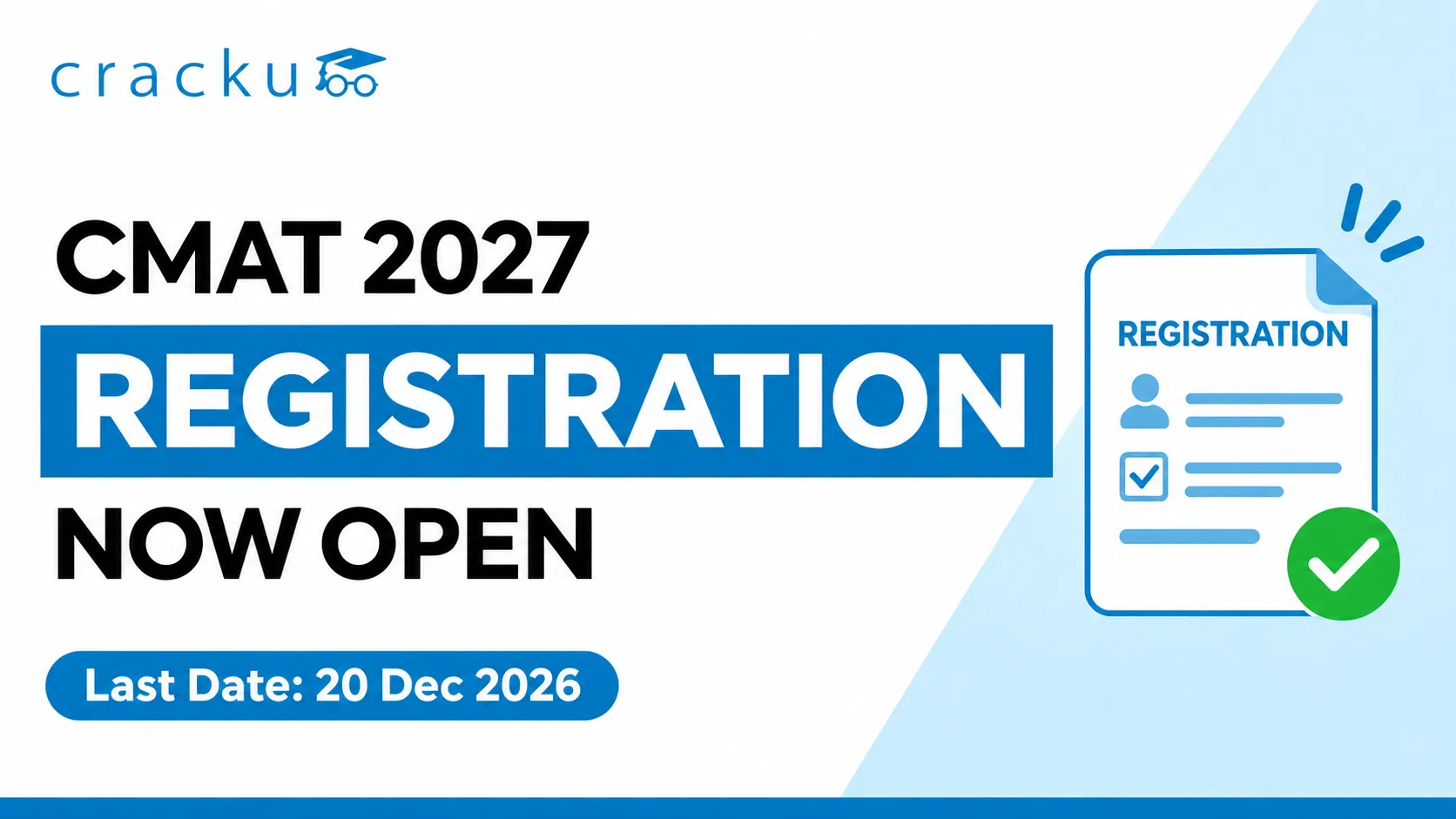
The CMAT 2027 registration window is now open, giving MBA aspirants a clear timeline to begin their applications. According to the CMAT 2027 notification, candidates can submit their forms from November 23 to December 20, 2026. The examination will take place on February 11, 2027. Before applying, check the CMAT 2027 eligibility criteria, keep the required documents ready and understand the fee structure. A little preparation now can help you avoid mistakes during the application process and focus on the exam ahead.
CMAT 2027 Registration Last Date
The National Testing Agency (NTA) has opened the CMAT 2027 application process on its official website. Candidates must complete the online form and pay the examination fee within the prescribed deadlines. The regular registration window closes on December 20, while candidates who miss it can use the late-fee window.
Here are the important CMAT 2027 exam dates related to registration and the application process:
Event | Date and deadline |
Online registration begins | November 23, 2026 |
Last date to submit the application form | December 20, 2026, up to 11:50 PM |
Last date for regular fee payment | December 21, 2026, up to 11:50 PM |
Late application window | December 22–25, 2026 |
Last date for late fee payment | December 25, 2026, up to 11:50 PM |
Application correction window | December 26–28, 2026 |
Candidates submitting the form during the late application window must pay an additional ₹500. The correction window allows changes only in specified fields. NTA will not accept correction requests through email, post, fax, or other offline methods.
The CMAT 2027 exam is scheduled for February 11, 2027. The examination will be conducted in computer-based mode for 180 minutes. Therefore, candidates have around two and a half months after the regular registration deadline to strengthen their preparation.
Read More: CMAT 2027 Negative Marking, Check Negative Marking Rules
Documents Required for CMAT 2027 Registration
Keep your photograph, signature, and applicable certificates ready before opening the CMAT application form. Check the document requirements below:
Document | Format | File size and requirements |
Live photograph | Captured during application | Webcam or mobile camera required |
Recent passport-size photograph | JPG/JPEG | 10 KB to 200 KB; colour photograph |
Scanned signature | JPG/JPEG | 10 KB to 50 KB |
Disability/UDID certificate | 50 KB to 300 KB; if applicable | |
Certificate for physical limitation to write | 50 KB to 300 KB; if applicable |
The passport-size photograph must have a white background, with 80% of the face visible. Both ears should be visible, and candidates must not wear a mask. The live photograph also requires proper lighting and a clear view of the face.
Candidates applying under the PwD/PwBD category must upload the relevant disability or UDID certificate. Those who require a certificate for physical limitations while writing should upload it in the prescribed format.
You should also keep your personal and academic details handy. These include your name, date of birth, contact information, educational qualification details and category information. Use an active email address and mobile number because NTA will send important communication through these channels.
Read More: CMAT Colleges 2027, Placements, Cutoffs, Fees
How to Apply Online for CMAT 2027?
Candidates can submit the CMAT 2027 application form only through the official NTA website. The registration process uses the MeriPehchaan National Single Sign-On platform. Keep your login details safe because you will need them to access the application later.
Follow these steps to complete the CMAT 2027 registration:
Step 1: Open the official website
Open cmat.nta.nic.in and scroll down to see the application link. Click on it and start the registration.
Step 2: Complete the registration
Check the square box and click here to proceed; you will then be redirected to the registration page. Use your mobile number and create a password to finish the new CMAT 2027 user registration
Step 3: Fill in the application form
After registration, fill out the form. Start with personal details. Must save the details carefully in every stage. Choose your CMAT test city centres carefully, based on the distance.
Step 4: Upload the required documents
Upload the photo and signature in the required format and size. Go for academic and categorical documents as the form asks for. You can use DigiLocker to save all your documents and attach them in an easy way in the CMAT application form.
Step 6: Pay the application fee
Choose an available online payment method and pay the examination fee according to your category. Keep the payment details until the confirmation page is generated.
Step 6: Download the confirmation page
After successful payment, the application confirmation page will become available. Download and save a copy for future reference. Your application is not complete until the fee payment is successful and the confirmation page is generated.
CMAT 2027 Application Fees and Payment Methods
The CMAT 2027 application fee varies according to the candidate's category and gender. General male candidates have the highest examination fee, while the fee for other listed categories is ₹1,250.
Check the category-wise fee details below:
Category | Male candidates | Female candidates |
General (UR) | ₹2,500 | ₹1,250 |
Gen-EWS | ₹1,250 | ₹1,250 |
SC | ₹1,250 | ₹1,250 |
ST | ₹1,250 | ₹1,250 |
PwD/PwBD | ₹1,250 | ₹1,250 |
OBC-NCL | ₹1,250 | ₹1,250 |
Third Gender | ₹1,250 | ₹1,250 |
Candidates must pay an additional ₹500 if they submit the application during the late registration window. Applicable payment gateway charges and GST will also be added to the examination fee.
NTA accepts the CMAT 2027 application fee through these online payment methods:
- Credit Card
- Debit Card
- Net Banking
- UPI
Candidates must select their category carefully while filling out the form. OBC-NCL benefits apply to candidates included in the Central List. Candidates belonging only to a state OBC list must select the General category.
Conclusion
Once your registration is complete, do not wait until the final weeks to begin preparation. Attempt a sample CMAT mock test to understand your current performance across all five sections. Use the result to identify weak areas, revise the CMAT syllabus and build a CMAT preparation strategy for the next two and a half months. Regular mock tests and focused practice can help you improve accuracy, speed, and confidence before February 11.