91- 6303239042


 Group


 Preferred Source

 Google Discover
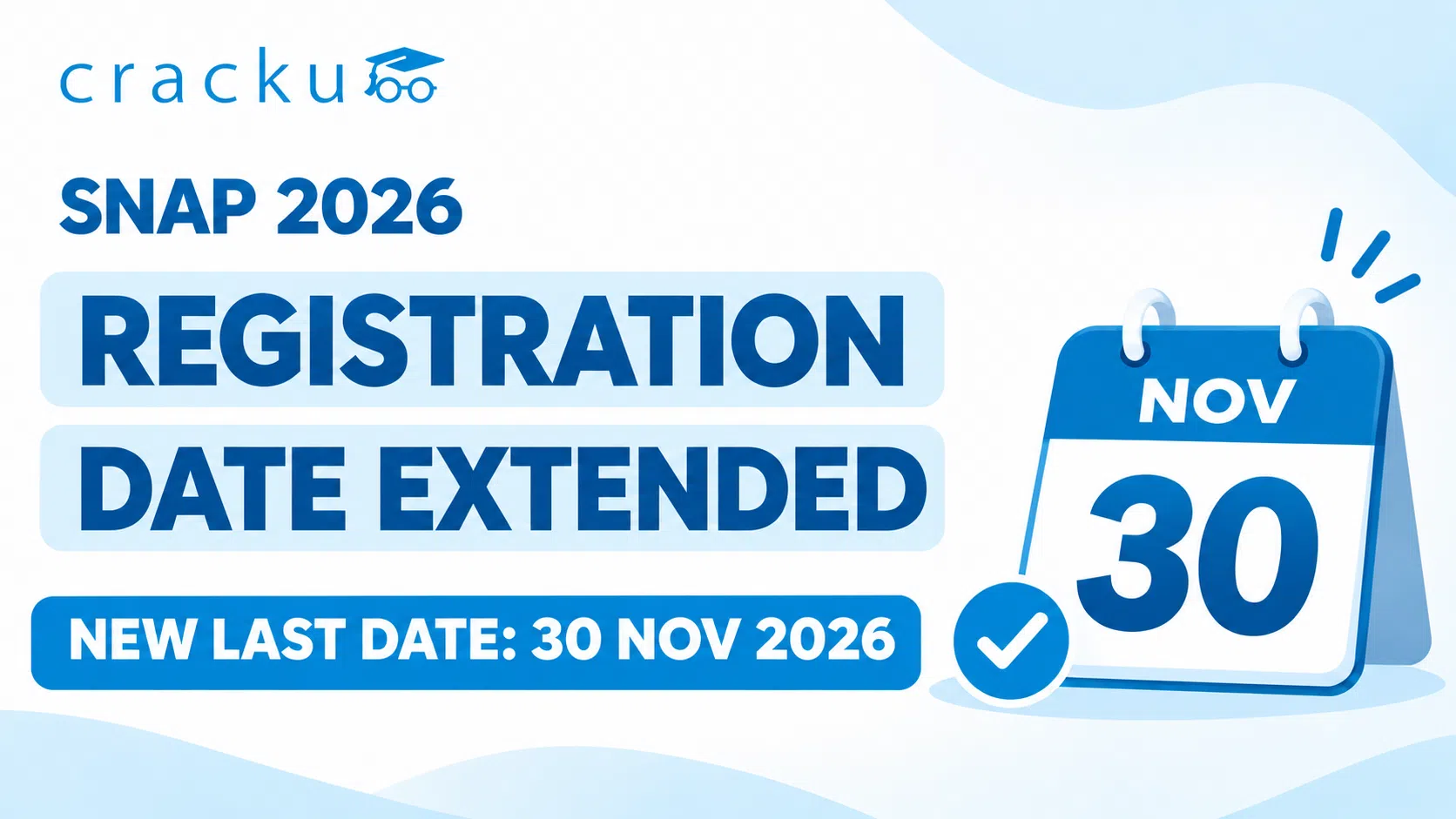
SNAP 2026 Registration Date Extended
SNAP 2026 registration has been extended from November 25 to November 30, 2026. Candidates who have not completed their application now have five additional days to register and pay the required fees.
This extension gives MBA aspirants a little more time to complete the application, select their preferred SNAP test dates, and register for their preferred Symbiosis MBA programmes. However, candidates should not wait until the last day to submit the form.
SNAP 2026 will be conducted on December 13, 19, and 26, 2026. Candidates can appear for one, two, or all three tests, and the best score will be considered for the final percentile calculation.
Latest SNAP Registration 2026 Important Dates
Candidates should check the revised schedule before completing their applications. The registration deadline has been extended, while the three test dates and result date remain as scheduled.
Particular | Date |
SNAP 2026 Registration Opens | August 21, 2026 |
SNAP 2026 Registration and Payment Closes | November 30, 2026 (Monday) |
SNAP 01 Admit Card | December 7, 2026 (Monday) |
SNAP 02 Admit Card | December 11, 2026 (Friday) |
SNAP 03 Admit Card | December 18, 2026 (Friday) |
SNAP 01 Exam Date | December 13, 2026 (Sunday) |
SNAP 02 Exam Date | December 19, 2026 (Saturday) |
SNAP 03 Exam Date | December 26, 2026 (Saturday) |
SNAP 2026 Result | January 12, 2027 (Tuesday) |
The SNAP admit cards will contain the reporting time, test timing, and examination centre details. Candidates must download the admit card for each test they have registered for.
Read More : SNAP Important Dates 2026, Registration, Admit Card, Result
SNAP Registration Last Date 2026
The SNAP 2026 registration last date is now November 30, 2026. Earlier, candidates had to complete their applications and fee payments by November 25.
The five-day extension gives candidates additional time to complete the SNAP 2026 application filling process. However, remember that registration and payment are both required to complete the application.
Candidates should also select their preferred test dates carefully. SNAP allows candidates to appear for up to three tests. If they take more than one attempt, the higher score will be considered for the final percentile calculation.
- Complete the registration before November 30, 2026.
- Select the SNAP test or tests you want to attempt.
- Check the MBA programmes offered by your preferred Symbiosis institutes.
- Pay the applicable test and programme registration fees.
- Verify your personal and academic details before final submission.
Do not leave the payment process until the last few hours. Successful registration and payment confirmation are important.
Read More: SNAP Revision Strategy 2026, Important Topics and Tips
SNAP Registration Application Fee and Payment Details
SNAP 2026 has two separate registration fees. Candidates must pay the test fee for every attempt and an additional programme registration fee for each MBA programme they select.
Fee Particulars | Amount |
SNAP Test Registration Fee | ₹2,550 per test |
MBA Programme Registration Fee | ₹1,000 per programme |
Government Taxes | Additional |
Both fees are non-refundable and non-transferable. Applicable government taxes will be charged separately.
For example, a candidate appearing for all three SNAP tests and applying to two MBA programmes will have to pay:
Particular | Calculation | Amount |
SNAP Test Fee | ₹2,550 × 3 | ₹7,650 |
Programme Fee | ₹1,000 × 2 | ₹2,000 |
Total Before Taxes | ₹7,650 + ₹2,000 | ₹9,650 |
Therefore, candidates should check the number of tests and MBA programmes before making the payment.
Remember that paying the SNAP test registration fee alone does not complete your application for an MBA programme. You must also select your preferred programmes and pay the separate programme registration fee.
Read More: SNAP Exam Centres 2026, Check Complete List of 79 Test Cities
How to Apply for SNAP 2026?
Candidates can complete the SNAP 2026 registration online through the official website, www.snaptest.org. Keep your photograph, personal details, and payment method ready before starting the process.
Follow these steps to complete your application:
Step 1: Visit the official SNAP website
Open the official SNAP 2026 site and click on the registration option. Read the instructions and accept the terms and conditions.
Step 2: Enter your personal details
Fill in your name, date of birth, mobile number, email address, and other required details. Make sure your information matches your official documents.
Step 3: Verify your mobile number and email
Enter the OTP sent to your registered mobile number or email address. After successful verification, you will receive your SNAP login credentials.
Step 4: Upload your photograph
Upload a recent passport-size colour photograph as required by the application guidelines. Check the image specifications before uploading it.
Step 5: Select your SNAP test dates
Choose the number of attempts you want to take. You can select SNAP 01, SNAP 02, SNAP 03, or all three tests.
Step 6: Select your MBA programmes
Choose the Symbiosis MBA programmes you want to apply for. Check the eligibility requirements of each programme before making your selection.
Step 7: Pay the registration fees
Pay ₹2,550 per SNAP test and ₹1,000 for each selected MBA programme, plus applicable taxes. Complete the payment through the available payment options.
Step 8: Check your application status
After payment, log in again and verify your registration details. Save the payment confirmation and application details for future reference.
SNAP 2026 Registration Date Extended: Conclusion
Candidates should check all details carefully before final SNAP 2026 form submission. The SNAP application guidelines state that changes are not permitted after registration under the prescribed process. The registration deadline extension gives candidates additional time, but it is better to finish the application early. Keep checking the official SNAP website for any further changes to the schedule or registration instructions.