

 Group
Group
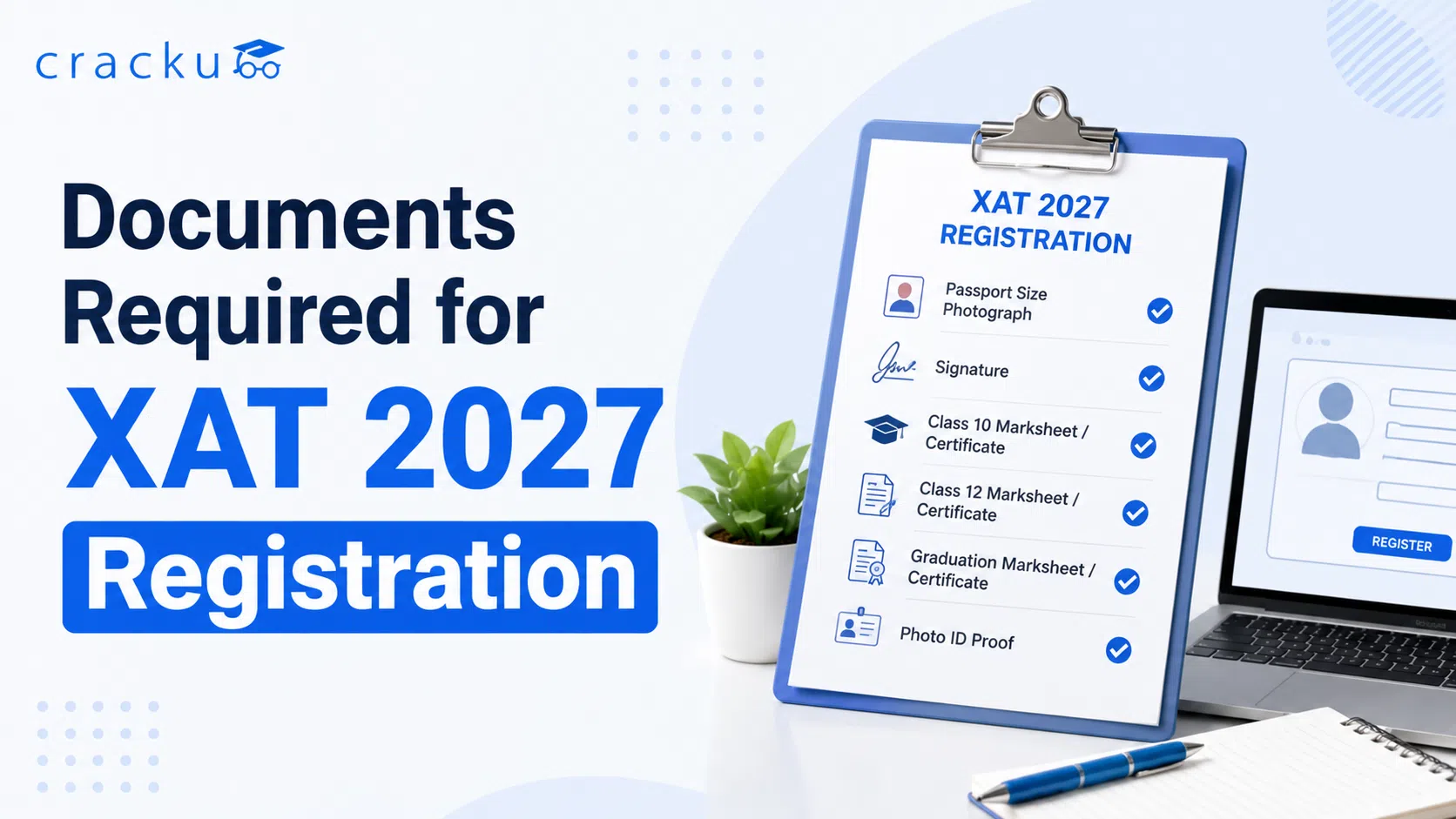
Documents Required for XAT 2027 Registration
Filling out the XAT 2027 application form is simple, but only if you have the right documents ready beforehand. Many candidates rush through registration and end up uploading blurry photos or wrong-sized files, which can cause unnecessary delays or even rejection. Before you start your XAT 2027 registration, keep the following documents ready in scanned or digital format. Having everything organized in advance will help you complete the form in one sitting without last-minute scrambling.
Category | Documents Needed |
Identity Proof | Aadhaar card, PAN card, or any valid government photo ID |
Academic Documents | Class 10, Class 12, and Graduation marksheets |
Personal Details | Date of birth proof, address proof |
Category Proof | Category certificate (if applicable) |
Work Experience | Work experience certificate (if any, for candidates who are employed) |
Photo & Signature | Scanned passport-size photograph and scanned signature |
Contact Details | Valid email ID and mobile number |
Keeping these documents ready before you log in saves a lot of time, since the form has multiple sections covering personal, academic, and work experience details.
XAT 2027 Documents List
Here's a simple breakdown of why each document matters during registration:
- Aadhaar Card / ID Proof: Used to verify your identity and date of birth during registration and later at the exam center.
- Class 10 and 12 Marksheets: Needed to fill in your academic percentage details accurately in the form.
- Graduation Marksheet: Required since XAT eligibility is based on a bachelor's degree of at least three years. If you're in your final year, you can enter marks up to your last completed semester.
- Category Certificate: Only needed if you belong to a reserved category and wish to claim applicable benefits.
- Work Experience Certificate: Some XLRI programmes give weightage to work experience, so keep this ready if you're currently employed or have worked before.
- Scanned Photograph and Signature: Mandatory for every candidate, and must strictly follow the size and format rules.
Missing even one of these documents can slow down your registration, so it's best to gather everything before you begin.
Photograph and Signature Specifications for XAT 2027
XLRI has guidelines for photograph and signature uploads, and not following them is one of the most common reasons applications get stuck midway.
Detail | Photograph | Signature |
Type | Recent passport-size colour photo | Signed in black ink on white paper |
Dimensions | 200 × 230 pixels | 140 × 60 pixels |
File Size | 20 KB to 50 KB | 10 KB to 20 KB |
Format | JPG, JPEG or PNG | JPG, JPEG or PNG |
Background | Light or white background | White paper only |
Scanner Resolution | Minimum 200 DPI | Minimum 200 DPI |
A few extra points to keep in mind:
- The photograph should show your face clearly, with no caps, hats, or dark glasses. Religious headwear is allowed but should not cover your face.
- If you wear glasses, make sure there's no reflection or glare covering your eyes.
- The signature must be done by you personally - no one else can sign on your behalf, since this same signature is later matched against your admit card and attendance sheet on exam day.
- If there's a mismatch between your uploaded signature and the one on your admit card during the exam, you may be disqualified. So take this step seriously.
How to Upload Documents in the XAT 2027 Registration Form
Once you're logged in and have your documents ready in the correct format, here's how the upload process works:
- Go to the Upload Section: After filling in your personal and academic details, you'll find separate links for uploading your photograph and signature.
- Click on 'Upload Photograph': Browse your device, select the correctly sized image file, and click upload.
- Click on 'Upload Signature': Repeat the same process for your signature file.
- Crop If Needed: If your scanned image doesn't match the exact dimensions, use the upload editor to crop it to the required size before uploading.
- Preview Your Form: Once uploaded, use the 'Preview' option to check both files clearly before moving to the payment stage.
- Upload Other Certificates: If applicable, upload your category certificate and work experience certificate in the same section.
- Final Submit: Once you're sure every document is correct, proceed to payment and final submission. Remember, no changes are allowed once the form is submitted after payment.
Common Mistakes to Avoid While Uploading XAT 2027 Documents
Every year, a good number of candidates face avoidable issues simply because of small errors during document upload. Here are the most common ones:
- Wrong File Size: Uploading a photo or signature that doesn't fall within the specified KB range often leads to an error message. Always check the file size before uploading.
- Blurry or Unclear Scans: A poor-quality photograph or signature can cause identification issues later during the exam or verification process.
- Signature Mismatch: Since your signature is verified against your admit card and attendance sheet, an inconsistent or casual signature can create problems on exam day.
- Wrong Format: Uploading files in formats other than JPG, JPEG or PNG usually gets rejected by the system.
- Incorrect Academic Details: Entering marks or percentages that don't match your original marksheets can lead to disqualification later, so always double-check before submitting.
- Submitting Without Preview: Skipping the preview step is a common mistake. Always review your form carefully, since corrections aren't possible after final submission and payment.
Documents Required for XAT Registration: Conclusion
Getting your documents ready in advance is the easiest way to make your XAT 2027 registration smooth and stress-free. Stick to the exact photo and signature specifications, double-check your academic details, and always preview your form before final submission. A little preparation here goes a long way in avoiding last-minute technical glitches or errors that could affect your application.