 91- 6303239042
 ⚡Now or Never


 Group


 Preferred Source

 Google Discover
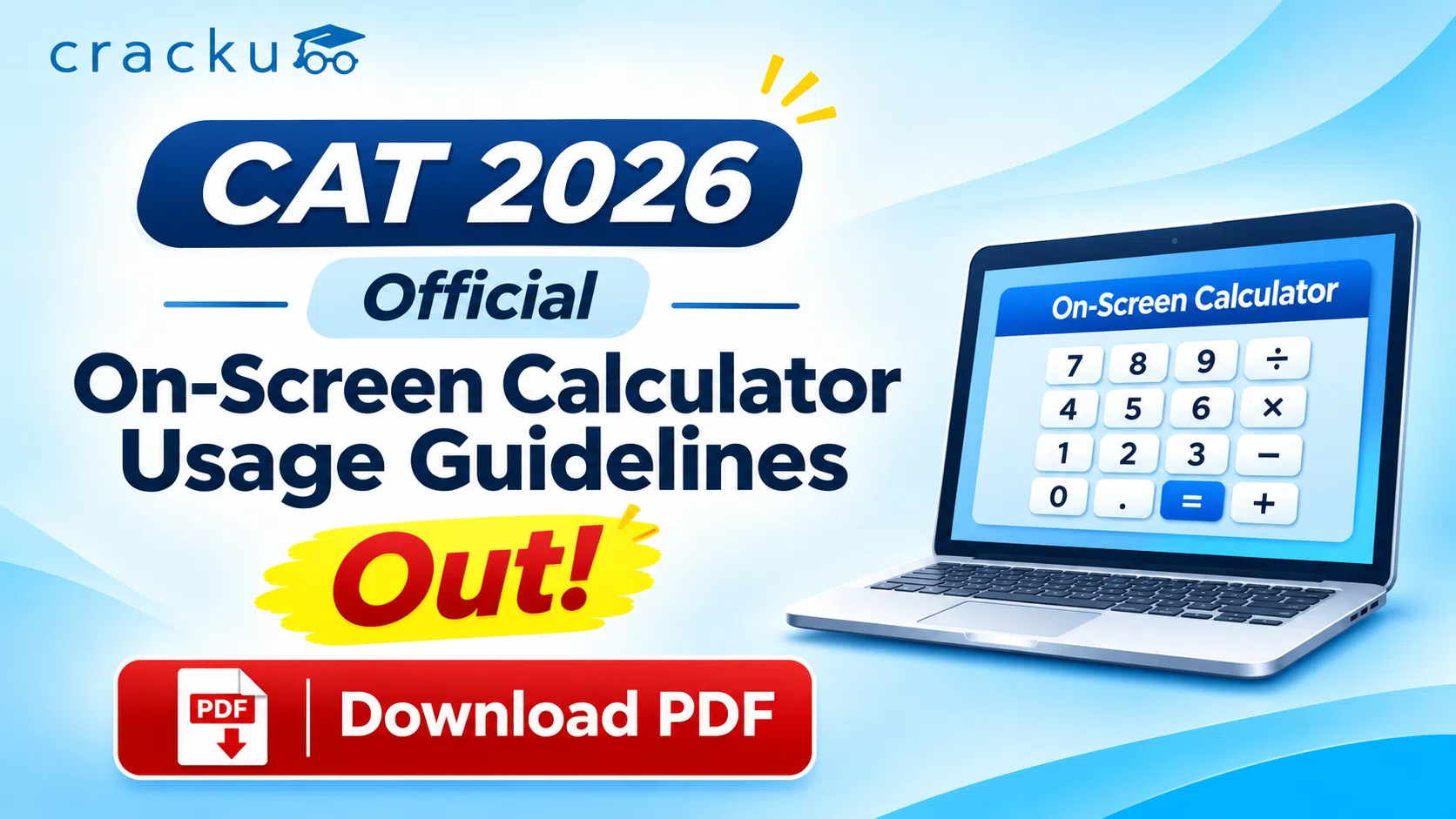
CAT 2026 Calculator Usage Guidelines Released by IIMCAT
The CAT 2026 calculator usage guidelines are important for candidates preparing for the Common Admission Test, scheduled for November 29, 2026. The CAT exam provides an on-screen calculator to help students perform mathematical calculations during the examination. However, candidates must understand its functions, limitations and correct usage to avoid wasting valuable time.
The CAT on-screen calculator supports basic arithmetic operations, percentage calculations, square roots, reciprocals and memory functions. It can be particularly useful for calculation-intensive questions in Quantitative Aptitude (QA) and Data Interpretation and Logical Reasoning (DILR).
According to the CAT examination guidelines, candidates cannot bring physical calculators into the examination hall. Only the virtual calculator provided within the exam interface is permitted. Students should familiarise themselves with its operation through the CAT 2026 mock test interface before the examination.
Download CAT 2026 Calculator Usage Guidelines PDF
Candidates appearing for CAT 2026 can download the official calculator usage guidelines PDF to understand how to use the on-screen calculator during the exam. The PDF covers calculator functions, memory buttons, calculation methods, and important instructions to follow on exam day.
Download the Official CAT 2026 Calculator usage guidelines below:
Use CAT On-Screen Calculator
Candidates can use the prototype of the version of the on-screen calculator provided by iimcat using the following button:
CAT 2026 Calculator Usage Guidelines Released by IIMCAT
IIMCAT provides an on-screen calculator as part of the computer-based examination interface. Candidates can access it during the test without installing additional software or carrying a separate device.
The calculator is designed to perform essential mathematical operations. It is not a full scientific calculator and does not replace the need for mathematical reasoning, approximation and problem-solving skills.
The following table summarises the important CAT 2026 calculator guidelines.
Particulars | CAT 2026 Calculator Guidelines |
Calculator availability | Available within the CAT exam interface |
Calculator type | Basic on-screen calculator |
Physical calculator | Not allowed |
Scientific calculator | Not allowed |
Basic operations | Addition, subtraction, multiplication and division |
Additional functions | Percentage, square root and reciprocal |
Memory functions | MS, MR, MC, M+ and M− |
Calculator access | Through the calculator icon on the test screen |
Most useful sections | QA and DILR |
Candidates should refer to the official website, iimcat.ac.in, for the latest instructions and verify the exact calculator behaviour in the CAT 2026 mock interface.
Also Read: CAT 2026 Admit Card LIVE: Release Date Shifted to Nov 6
How to Use the On-Screen Calculator in CAT 2026?
The CAT 2026 on-screen calculator works similarly to a basic digital calculator. Candidates can open it from the examination interface and use the displayed buttons to perform calculations.
Steps to use the CAT calculator:
- Locate the calculator icon near the upper-right area of the examination screen.
- Click the icon to open the calculator.
- Enter the required numbers using the on-screen buttons.
- Select the mathematical operation, such as addition, multiplication or division.
- Click the equals (=) button to obtain the result.
- Check the displayed answer before using it to solve the question.
For example, if a Data Interpretation question requires calculating 7,560 ÷ 24, candidates can enter the values and obtain 315.
However, students should avoid opening the calculator for simple calculations such as 25 × 4 or 200 ÷ 5. Mental calculations are usually faster in such cases.
Practicing with CAT mock tests can help candidates understand when calculator usage is beneficial.
CAT 2026 Calculator Functions and Memory Button Usage
The CAT calculator includes several functions that can simplify lengthy calculations. Understanding the memory buttons is particularly useful when solving questions involving multiple values.
Calculator Button | Function |
+ | Addition |
− | Subtraction |
× | Multiplication |
÷ | Division |
% | Percentage calculations |
√ | Square root |
1/x | Reciprocal |
MS | Stores the displayed value in memory |
MR | Recalls the stored value |
MC | Clears the stored memory |
M+ | Adds the displayed value to memory |
M− | Subtracts the displayed value from memory |
C / CE | Clears calculations or entries, depending on the key |
+/− | Changes the sign of the displayed number |
How to Use Memory Buttons in the CAT Calculator?
Memory functions allow candidates to save intermediate results without repeatedly entering the same numbers.
For example, suppose a DI question requires adding 1,250, 875 and 640.
Candidates can store 1,250 using MS, add 875 using M+, and then add 640 using M+. Pressing MR retrieves the total, 2,765.
The memory feature can be helpful in questions involving multiple revenue figures, averages, totals and comparisons.
Students should clear previously stored values using MC before starting unrelated calculations to avoid errors.
How to Calculate Percentages Using the CAT 2026 Calculator?
Percentage calculations are frequently required in CAT Arithmetic and Data Interpretation questions. These include percentage increase, percentage decrease, profit and loss, discounts and compound growth.
The basic percentage formula is:
Percentage = (Part / Total) × 100
Example 1: Finding a Percentage of a Number
Question: What is 18% of 750?
Calculation:
750 × (18 / 100) = 135
Candidates can enter 750 × 18 ÷ 100 to obtain the answer.
Example 2: Calculating Percentage Increase
Question: A company's revenue increases from ₹800 lakh to ₹920 lakh. What is the percentage increase?
((920 − 800) / 800) × 100 = 15%
The percentage increase is 15%.
Although the calculator includes a percentage button, its precise input behaviour should be tested in the official mock. Using multiplication and division by 100 is a reliable alternative.
How to Use Square Root and Reciprocal Functions in CAT 2026?
The square root and reciprocal functions are useful when questions involve decimals, fractions and numerical approximations.
Square Root Function (√)
The square root button calculates the square root of a non-negative number.
Example: Find the square root of 1,296.
√1296 = 36
Candidates can enter 1296 and select the square root function to obtain 36.
This function may be useful for questions involving geometry, algebra and numerical calculations.
Reciprocal Function (1/x)
The reciprocal function calculates the multiplicative inverse of a non-zero number.
1/x
Example: Find the reciprocal of 8.
1/8 = 0.125
Candidates can enter 8 and press the 1/x button to obtain 0.125.
However, the calculator cannot automatically solve algebraic equations, simplify complex expressions or identify the correct approach to a question. These tasks still require conceptual understanding.
Also Read: CAT Exam Syllabus 2026, Section-wise Pattern, Download PDF
CAT 2026 Calculator Rules: Dos, Don'ts and Limitations
Knowing when to use the CAT calculator is just as important as knowing how to operate it. Excessive calculator usage can reduce the time available for solving questions.
Dos and Don'ts for CAT 2026 Calculator Usage
Dos | Don'ts |
Practise using the calculator during mock tests | Carry a physical calculator |
Use it for lengthy numerical calculations | Depend on it for every arithmetic operation |
Verify decimal values and intermediate results | Assume every result is automatically accurate |
Clear stored memory before unrelated calculations | Reuse old memory values accidentally |
Use approximation wherever practical | Waste time entering unnecessarily large expressions |
Limitations of the CAT On-Screen Calculator
The calculator has certain limitations that candidates must understand before the examination.
- It does not provide advanced scientific functions such as logarithms and trigonometric operations.
- It cannot solve equations or perform symbolic algebra.
- Entering long calculations may take more time than simplifying them manually.
- Incorrect numerical entries can produce incorrect answers.
- Calculator use does not eliminate the need for approximation and estimation.
Important preparation tip: Before using the calculator, check whether fractions can be cancelled or the calculation can be simplified.
For example, calculating (48 × 125) ÷ 16 is easier by simplifying 48 ÷ 16 = 3 first, giving 3 × 125 = 375.
This approach can save time in the Quantitative Aptitude section.
CAT 2026 Calculator Usage Guidelines: Conclusion
The CAT 2026 calculator usage guidelines help candidates understand the permitted calculator functions and how to use them effectively during the examination. The on-screen calculator is useful for lengthy arithmetic calculations, percentages, square roots, reciprocals and memory-based operations, particularly in QA and DILR.
However, students should not depend entirely on the calculator. The best strategy is to combine strong calculation skills, approximation techniques and selective calculator usage. With CAT 2026 scheduled for November 29, candidates should practise these functions through mock tests and familiarise themselves with the official examination interface before exam day.