91- 6303239042
 IPMAT WhatsApp Group


 Preferred Source

 Google Discover
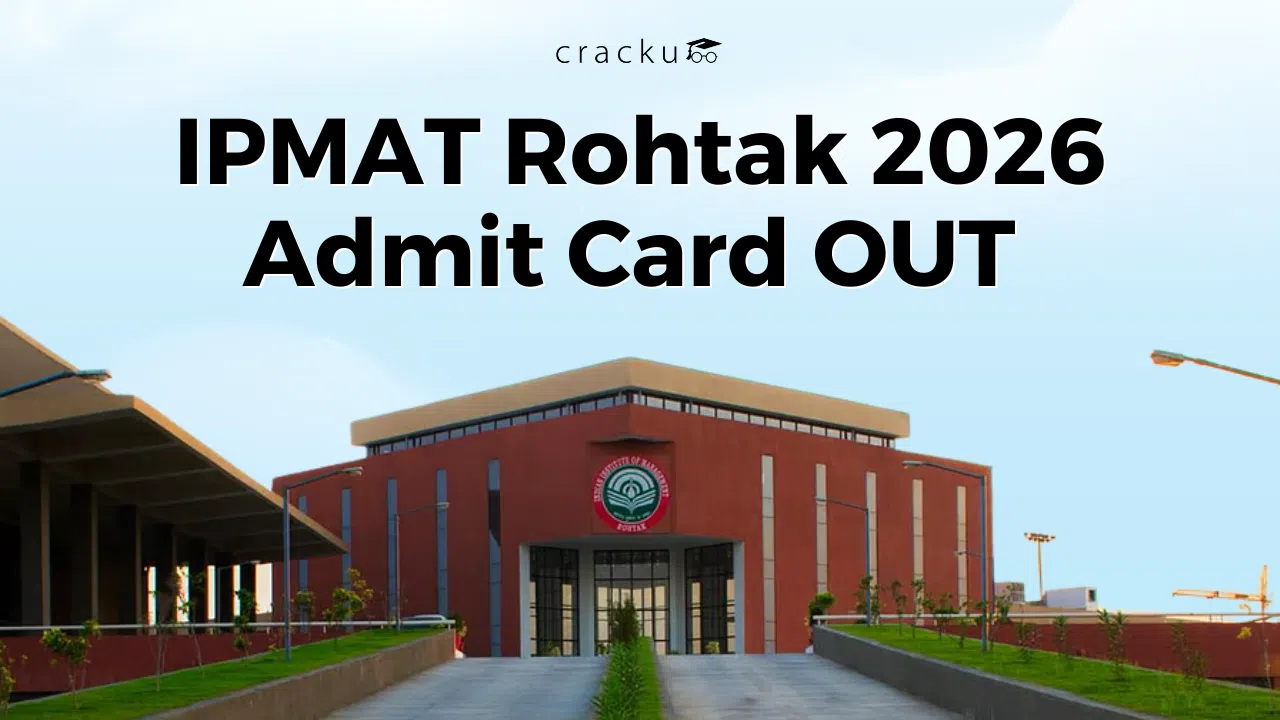
IPMAT Rohtak Admit Card 2026
The final wait for the IPMAT Rohtak admit card 2026 is now over. IIM Rohtak announced the release of the admit card. So it's time to download and print your IPMAT Rohtak hall ticket. Without it, entry into the exam hall is not allowed. So, keeping track of updates becomes very important.
The IPMAT Rohtak Admit Card 2026 is now live, and the exam is scheduled on May 10, 2026. Students must download it online using their login details. A small mistake like forgetting the password can create last-minute panic. So, keeping everything ready helps.
What comes next after the admit card? Checking details, planning exam day, and keeping documents ready. Let’s go step by step and make everything simple and clear.
IPMAT Rohtak Admit Card 2026 OUT
Has the IPMAT Rohtak admit card been released? That’s the first question most students ask as the exam is near.
The IPMAT Rohtak Admit Card 2026 is released on the IIM Rohtak website. No student will receive it by post. So, regular checking is important.
Here are some key dates to remember:
Event | Date |
IPMAT Rohtak Registration Last Date | April 6, 2026 |
IPM Aptitude Test 2026 | May 10, 2026 |
Call for Personal Interview | Last week of May 2026 |
Personal Interview | First or Second week of June 2026 |
As the admit card is out, download it immediately. Do not wait till the last day. What if the website slows down later? That happens often.
Read More: IPMAT Exam Centres 2026, Cities, Locations, Booking Steps
IPMAT Rohtak Admit Card 2026: Download Link
Where to download the IPMAT Rohtak admit card?
Students need to log in to the official portal using the link below.
IPMAT Rohtak Admit Card Download Link
The process is simple, but the details must be correct.
Login details required:
- User ID
- Password
- Captcha code (numbers shown in the image)
After entering these details, the admit card will appear on the screen. Download and save it. Also, take at least two printouts.
Facing any issues while logging in?
Helpdesk support is available:
- Toll Number: 022-61087552
- Email: helpdeskipmrohtak@gmail.com
It is always better to solve issues early instead of waiting till exam day.
Steps to Download IPMAT Rohtak Admit Card
Not sure how to download it? No problem. Follow these simple steps:
Step 1: Visit the login page
Go to the IPMAT Rohtak 2026 application login page.
Step 2: Enter User ID
Type the User ID carefully. Avoid spelling mistakes.
Step 3: Enter Password
Use the correct password. Forgot it? Use the reset option.
Step 4: Fill in the Captcha
Enter the numbers exactly as shown in the image.
Step 5: Click Login
After logging in, the admit card will be visible.
Step 6: Download and Print
Download the file and take clear printouts.
Don’t make any small mistakes. So, double-check every detail before clicking submit.
Common Problems While Downloading the Admit Card
Facing issues while logging in? It happens more often than expected.
Problem | Possible Reason | Simple Solution |
Forgot Password | Not saved or remembered | Use the “Forgot Password” option |
Invalid User ID | Typing mistake | Check email/SMS for the correct ID |
Captcha Error | Wrong input | Enter carefully, refresh image |
Website Not Opening | Heavy traffic | Try early morning or late night |
Admit Card Not Showing | Incomplete form | Check application status |
This helps students. Don’t panic and be careful.
Read More: IPMAT Important Topics 2026, Check Topic-wise Weightage
Important Things To Know in the IPMAT Rohtak Admit Card 2026
Did you download the IPMAT Rohtak admit card? If yes, then it’s great. But is everything correct?
Students must carefully check all details. Even a small error can cause trouble later.
Here’s what to verify:
Detail | Why It Matters |
Name | Must match ID proof |
Roll Number | Needed for the exam and results |
Exam Date | Avoid confusion |
Exam Time | Reach on time |
Exam Centre | Plan travel early |
Photograph | Should be clear |
Signature | Must be visible |
Found any mistakes? Contact the helpdesk immediately. Do not ignore it.
Also, read the instructions printed on the admit card. They tell what is allowed and what is not.
Documents to Carry Along with the IPMAT Rohtak Admit Card 2026
Now comes the most important question. What to carry on exam day? Only the IPMAT admit card is not enough. Students must carry valid documents too.
Here’s a simple checklist:
Must Carry
- Printed IPMAT Rohtak Admit Card 2026
- Valid photo ID proof
Accepted ID proofs include:
- Aadhaar Card
- PAN Card
- Voter ID
- Passport
- School ID (if valid)
Optional but Useful
- Extra passport-size photos
- Transparent water bottle
- Basic stationery (if allowed)
What NOT to Carry
- Mobile phones
- Smart watches
- Notes or papers
- Any electronic devices
Carrying restricted items can lead to disqualification. So, it is better to stay safe.
Read More: IPMAT Revision Strategy 2026, Section-wise Strategy, Study Plan
IPMAT Rohtak Admit Card 2026: Conclusion
The IPMAT Rohtak Admit Card 2026 is a very important document. Every student should download it on time and check all the details carefully. It includes important information like exam date, time, and exam centre, which helps you plan your exam day properly. Even a small mistake in the details can create problems later, so it is important to check everything. Also, keep your login details ready and download the admit card early to avoid last-minute stress.
Along with the admit card, you must carry all the required documents and follow the exam instructions carefully. Good planning, proper preparation, and staying calm can help you perform better in the exam. Make sure everything is ready before the exam day and focus on giving your best in IPMAT Rohtak 2026.