91- 6303239042


 Group
Group


 Preferred Source

 Google Discover
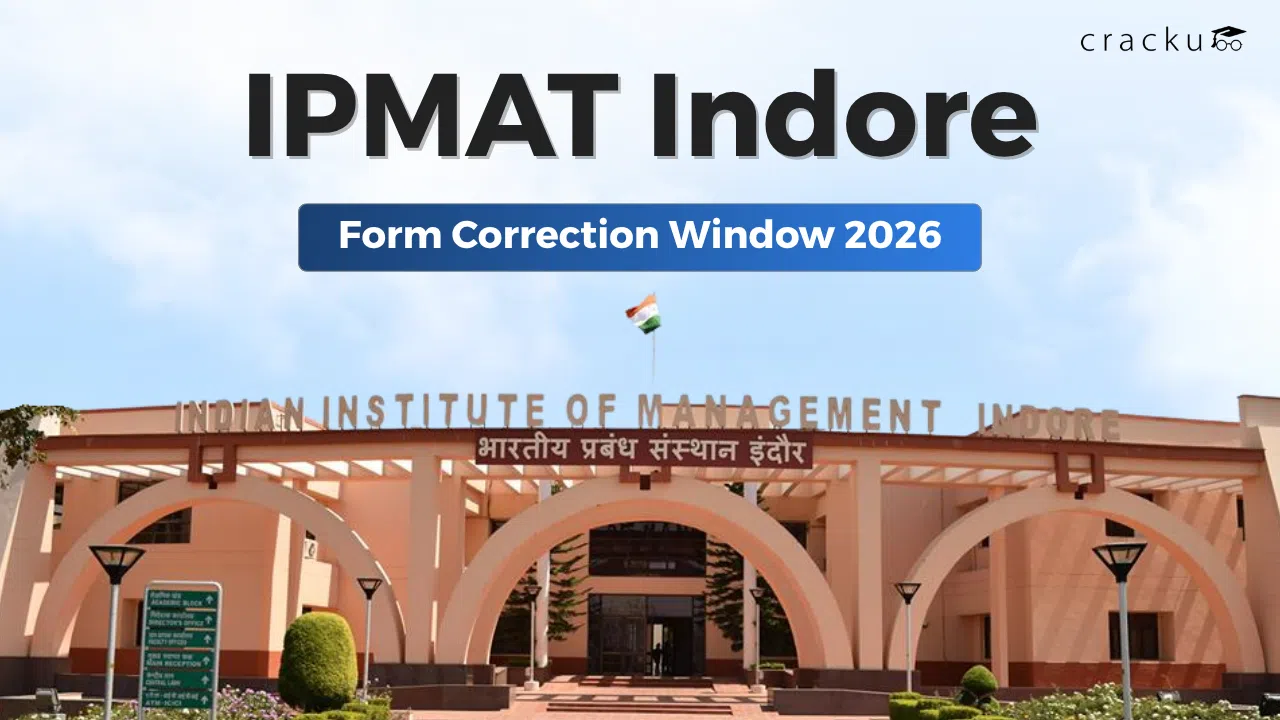
IPMAT Indore Form Correction Window 2026
IPMAT 2026 application filing closed, and now the time for the next step. In case you have any corrections, you can set them right now. The IPMAT Indore form correction window is now open.
The window will close by Mar 24, 2026, so you have to hurry up and make the edits now. But remember, this option is only to help you fix small mistakes like photo uploads, contact details, or exam city changes. Also, this option is only once, so use it efficiently.
In the following discussion, we will see what you can edit, how to change, and some key dates. Let’s dive in.
IPMAT Indore Application Form Correction Date
IIM Indore officially announced the correction window on March 20, 2026. This window allows candidates to update selected details in the application form.
The correction window timing is fixed and short. Candidates must act quickly within this time.
Important Dates for IPMAT Indore Correction Window
| Event | Date | Time |
| Correction Window Start | March 23, 2026 | 10:00 AM |
| Correction Window End | March 24, 2026 | 5:00 PM |
| Official Announcement | March 20, 2026 | TBA |
The window remains open for only two days. No extra time will be given after the deadline.
Note: Ensure you correct it in the right format and don’t touch other sections that don’t need any changes.
IPMAT Indore Form Correction Window last date
The last date to edit the IPMAT Indore application form is March 24, 2026, till 5:00 PM.
Candidates must complete all changes before this deadline. The system will close automatically after the given time. No request will be accepted after that.
Key Points to Remember
- Editing is allowed only once
- No changes allowed after final submission
- Only selected fields are editable
- This option is optional, not compulsory
Students who have filled in the correct details do not need to make any changes. Apart from the correction window, candidates must also note the exam date.
Exam Schedule
| Event | Date |
| IPMAT Indore Exam Date | May 04, 2026 |
| Shift | Afternoon |
Candidates must complete preparation well before the exam date. Ensure you carry the necessary documents for the IPMAT exam hall.
IPMAT Indore Form Correction Process
The correction process is simple and fully online. Candidates must log in to their application portal to make changes.
This process does not require any extra fee. However, candidates must ensure accuracy before final submission.
- Visit the official IIM Indore admission website
- Click on the IPMAT 2026 login link
- Enter registered email ID and password
- Open the application dashboard
- Click on the “Edit Form” option
- Update the required details carefully
- Upload the correct photo and signature if needed
- Check all entries again
- Click on the final submit button
- Download the confirmation page for future use
Once submitted, the IPMAT form cannot be edited again. Therefore, careful review is very important.
What Details can be edited in the IPMAT Indore Form Correction Window
Not all fields are open for editing. IIM Indore allows changes only in six specific fields. This rule ensures fairness and avoids major changes in application data.
Editable Fields List
| S.No | Editable Field |
| 1 | Candidate’s Photograph |
| 2 | Candidate’s Signature |
| 3 | Alternate Mobile Number |
| 4 | Alternate Email Address |
| 5 | Exam Centre City Preferences |
| 6 | Interview City Preferences |
Important Notes
- Personal details like name, date of birth, and category cannot be changed
- Academic details remain locked
- Only one-time editing is allowed
- Upload a correct photo and signature format
- After making the changes, save them and log out.
This opportunity is mainly for correcting technical or minor errors. In case you have any problem with adjusting the size of the image, go for free online tools. This will help you bring the photo to the correct size.
Read More: IPMAT Admit Card 2026, Expected Release Date, Download Link
How to Edit the IPMAT Indore Application Form (Step-by-Step Process)
Students must follow a clear process while editing the form. Even a small mistake can lead to problems later.
Below is a simple step-by-step guide.
Step-by-Step Guide
Correction Process Overview
| Step | Action |
| Step 1 | Visit the official IIM Indore website |
| Step 2 | Log in using your registered ID and password |
| Step 3 | Click on the “Edit Application Form” option |
| Step 4 | Update required details |
| Step 5 | Review all changes carefully |
| Step 6 | Submit the corrected form |
Tips for Smooth Editing
- Use a stable internet connection and the latest browser.
- Keep documents in the right format and size, ready before editing.
- Check spelling in the email and the mobile number
- Select the exam city carefully based on convenience
- Do not rush during the final submission
- Ensure all the details are correct before saving.
- Save the submitted form in a digital version.
Following these steps helps avoid mistakes and ensures correct submission.
IPMAT Indore Form Correction Window 2026: Conclusion
The IPMAT Indore correction window 2026 gives you a good chance to fix small mistakes in your application form. Since this window is open for a very short time, you should act quickly and make changes carefully. Always check your contact details, exam city, and uploaded documents before you submit the form.
Using this correction window properly can help you avoid problems later during admit card download or admission. Keep checking official updates and make sure your form is correct and complete. Fixing small mistakes now can save you from bigger issues later and help you focus on your IPMAT preparation.